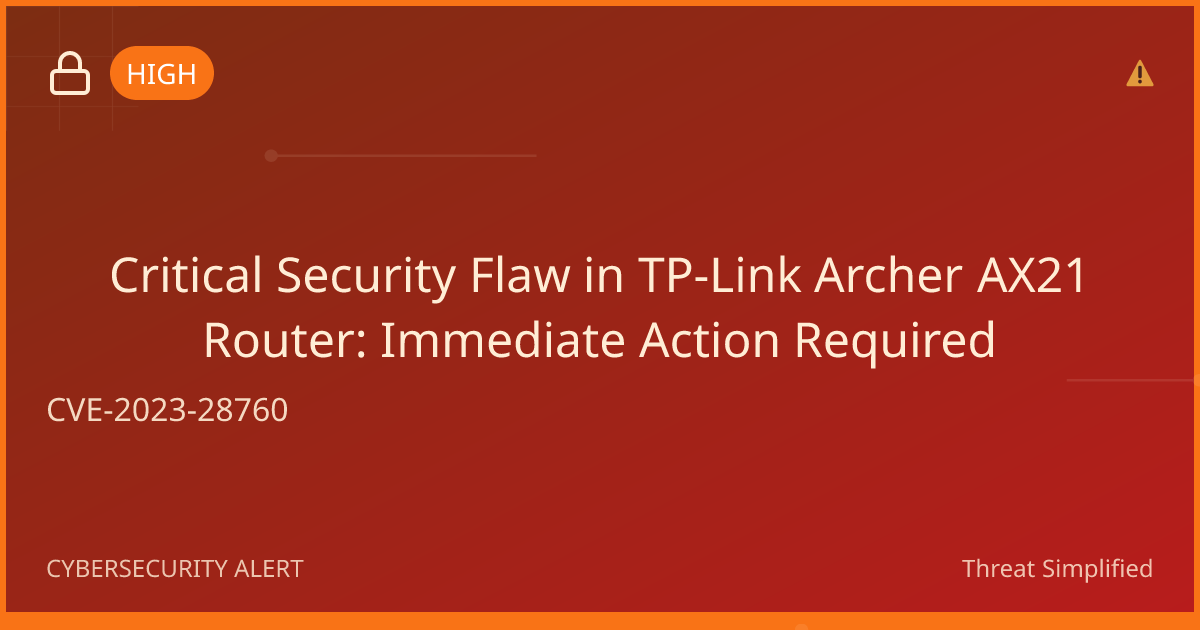
CVE-2025-9491: Serious Risk from Windows LNK Files
Recently, a serious vulnerability known as CVE-2025-9491 has been identified in Microsoft Windows that could allow hackers to take control of your system without permission if you interact with a dangerous file or visit a malicious webpage. Here’s what you need to know to protect yourself.
Who is at Risk?
This vulnerability primarily affects users of Microsoft Windows, particularly those on the latest versions like Windows 11. Here’s a quick breakdown of who could be impacted:
- Anyone using Microsoft Windows: If you frequently open files or click on links, you might be at risk.
- Users who inadvertently open dangerous files: If you receive unexpected files or hyperlinks, it can expose you to threats.
- Current Windows installations: This specifically affects versions like 10.0.22631.4169 and other supported versions.
What Could Happen?
If this vulnerability is exploited, an attacker can use a specially crafted file (called a .LNK file, which is a shortcut link) to run harmful code on your computer. Imagine a stranger sneaking a counterfeit note into your mailbox — you might take it out and think it’s just junk mail, but it could actually lead to compromising your personal information or system. Essentially, even if you inspect the file, the dangerous content might remain hidden, and you could unknowingly allow the attacker access to your computer.
How to Stay Safe
It’s important to act quickly to protect your devices from this vulnerability. Here are some straightforward steps you can take:
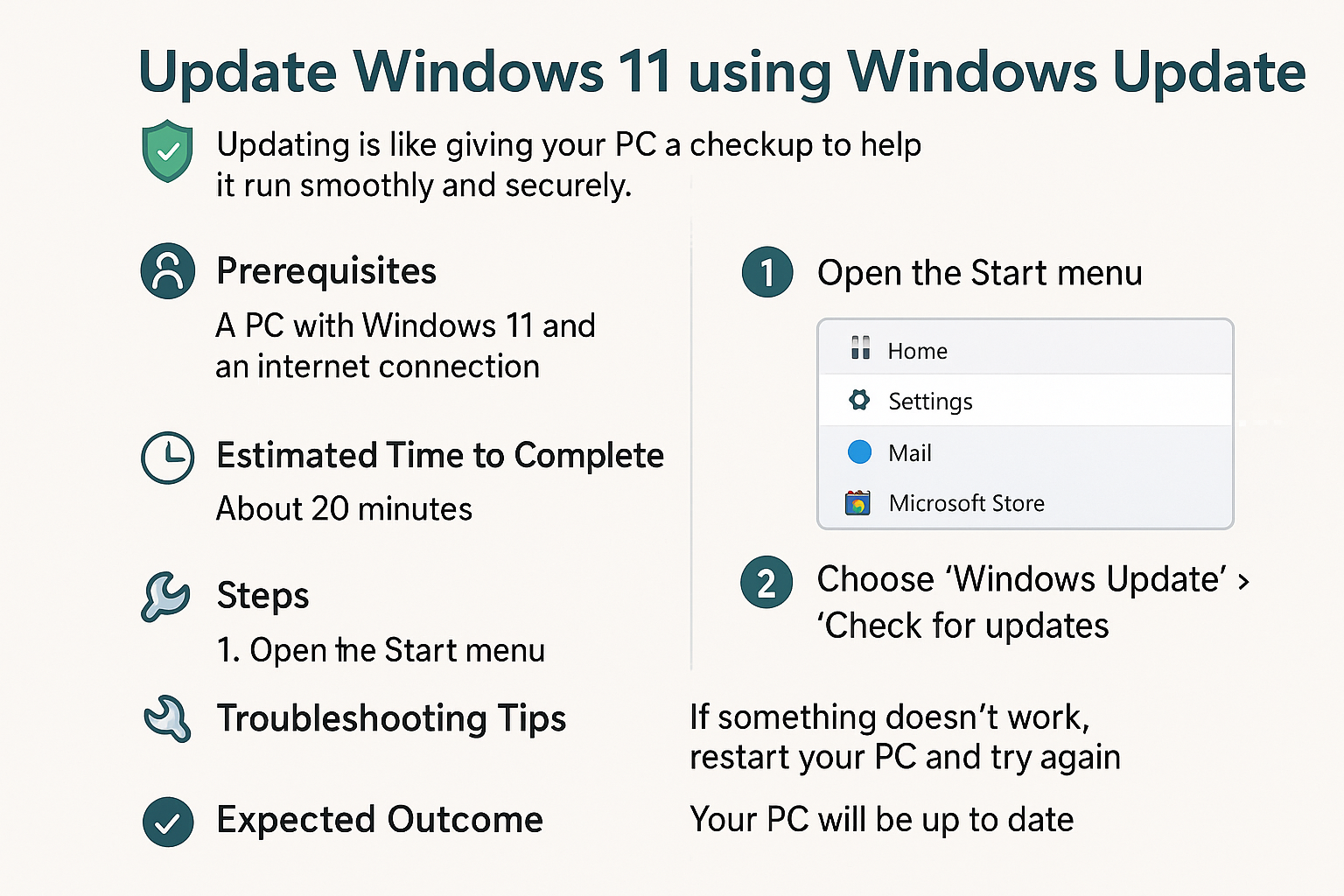
- Update Your Windows Installation: Make sure your Windows operating system is fully up to date. Microsoft regularly issues security patches to address vulnerabilities like this one.
- Be Cautious with Files and Links: Always think twice before opening unsolicited files or visiting unfamiliar links. If something seems off, it's better to avoid it.
- Check for Security Settings: Look in your Windows security settings for any protection features that may help deny access to potentially harmful files.
Acting quickly can help prevent your devices from becoming infected with malware that could potentially steal your information or compromise your privacy.
📖 Learn more about this vulnerability and how to protect your systems at the Zero Day Initiative advisory.