CVE-2024-56179: Security Flaw in MindManager Windows Could Allow File Access by Attackers
A recently discovered security vulnerability in MindManager for Windows, known as CVE-2024-56179, could allow attackers to write files in unexpected locations on your computer—potentially leading to data loss or further attacks.
Who is at risk and what could happen?
This vulnerability affects users of MindManager Windows versions prior to 24.1.150. If you have an older version and open a file attachment from a malicious source, you're at risk. Here’s what you need to know:
- Affected Users: Anyone using outdated versions of MindManager on Windows.
- Possible Consequences:
- Hackers could add files to your machine without your permission.
- Sensitive information could be compromised or modified.
- It may open the door for further attacks on your system.
How to Stay Safe
It’s crucial to take action promptly to protect your personal information. Here are some easy steps you can follow:
-
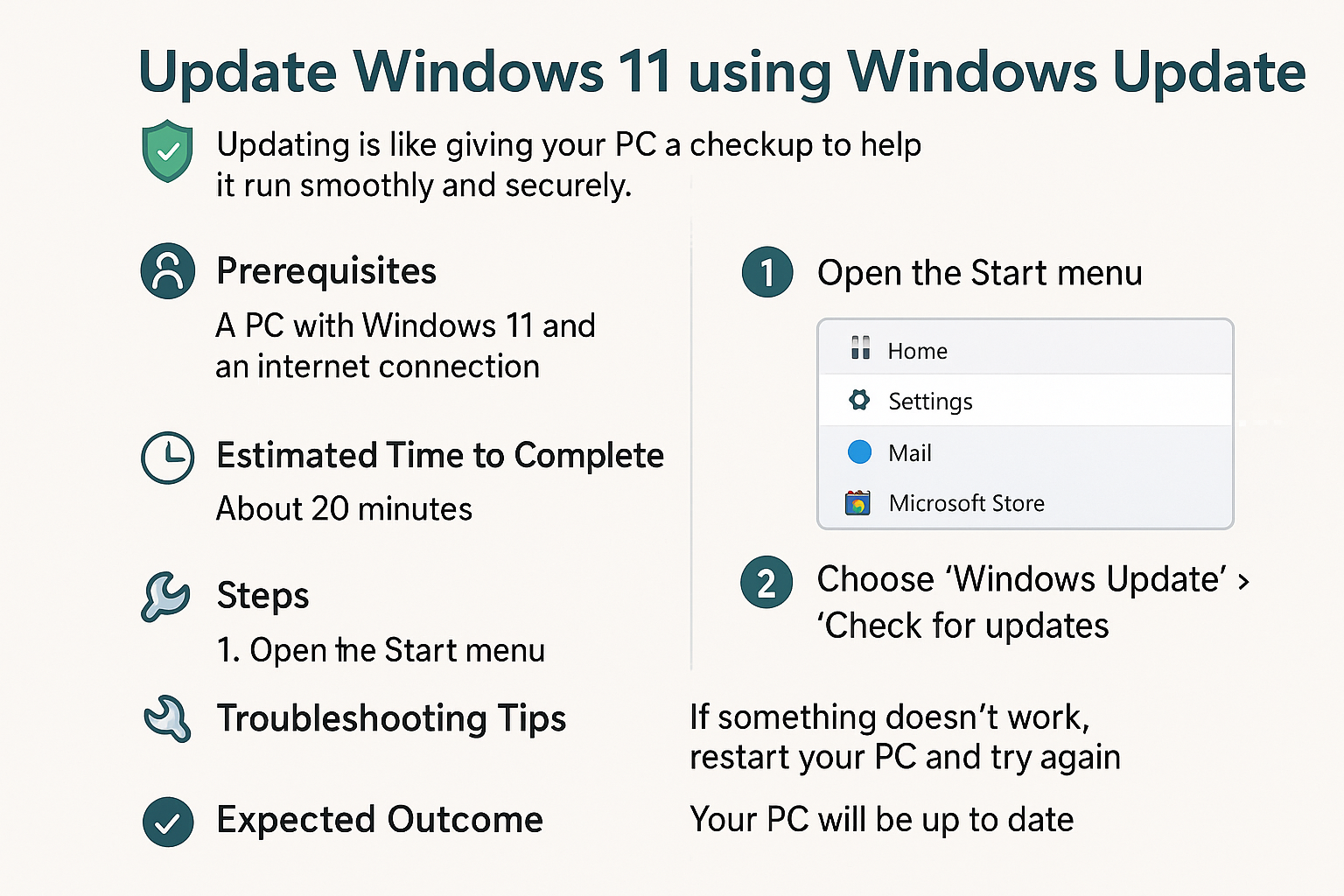
Update MindManager: Check your version of MindManager. If you're not on version 24.1.150 or later, update your software immediately. Most software programs have an option in their settings to check for updates.
-
Be Cautious with Attachments: Avoid opening file attachments from unknown sources or suspicious emails. It's like not accepting mail from strangers—better safe than sorry!
-
Monitor Your Files: Regularly check your computer for unexpected files or changes. This can help indicate whether your system has been compromised.
Taking these steps seriously can help safeguard your computer from potential attacks. Don’t wait—make sure your software is up to date today!
📖 Learn more: For additional details about this vulnerability, you can visit these references or check this link.